
Proof, at a glance
A clear date and time stamped right on the photo — for receipts, job sites, inspections, or just remembering when a moment happened.
Photo Date Stamp
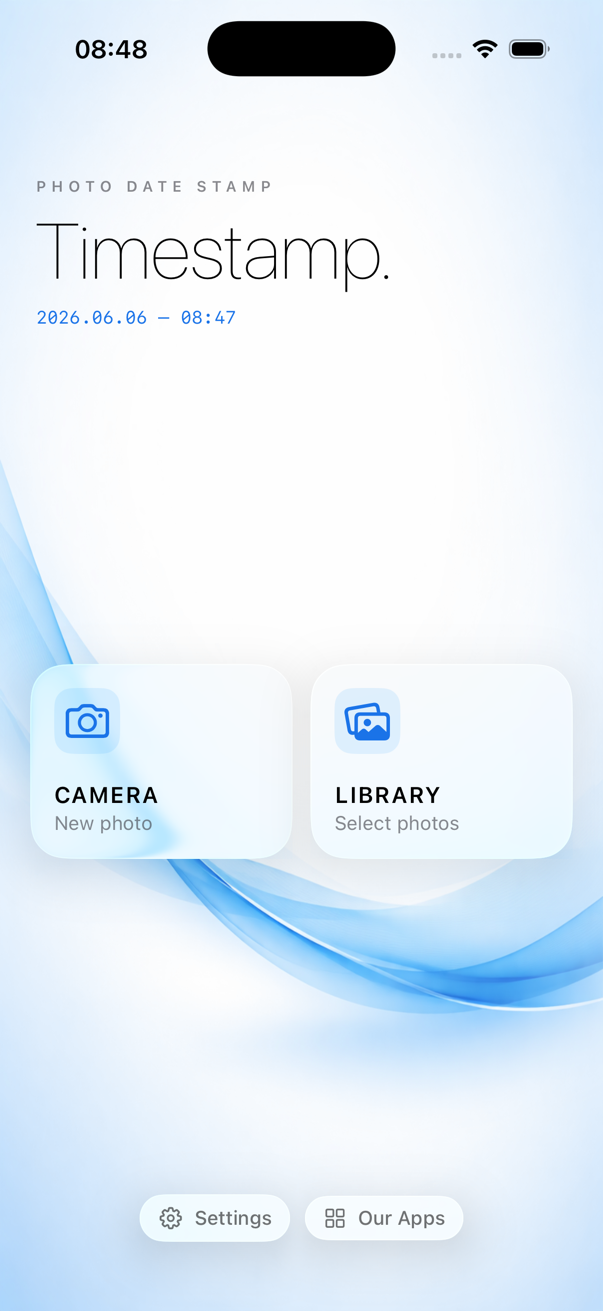
Add a date and time stamp to your photos in seconds — one shot from the camera, or a whole trip from your library. Pick from 18 designer themes and place it exactly where you want.
A clear date and time stamped right on the photo — for receipts, job sites, inspections, or just remembering when a moment happened.
Select dozens of existing photos from your library and stamp them all at once — no need to edit one by one.
18 themes — from a clean minimal label to gold foil, neon glow, and retro LED — so the stamp fits the photo, not the other way around.
Photos are stamped on-device and saved as new copies to your library. Your originals are never modified or uploaded anywhere.
Stamp a new photo the instant you take it, or pick existing photos straight from your library.
3 free themes to start — Minimal, Noir, Cinematic — plus 15 premium themes like Luxe Gold, Neon Tokyo, and Retro Digital.
Choose Small, Medium, or Large auto-sizing that scales with your photo, or set an exact manual size.
Drop the stamp in any corner, edge, or dead center with a simple position grid.
Customize font, color, shadow, and background box to match your photo.
See exactly how the stamp will look — on every photo — before you save anything.
A polished icy-minimalist look in light or dark, with a dedicated iPad layout.
Stamped photos save as new copies to your camera roll — your source photos are never overwritten.
A few of the 18 built-in themes — each with its own color, font, and finishing touch.





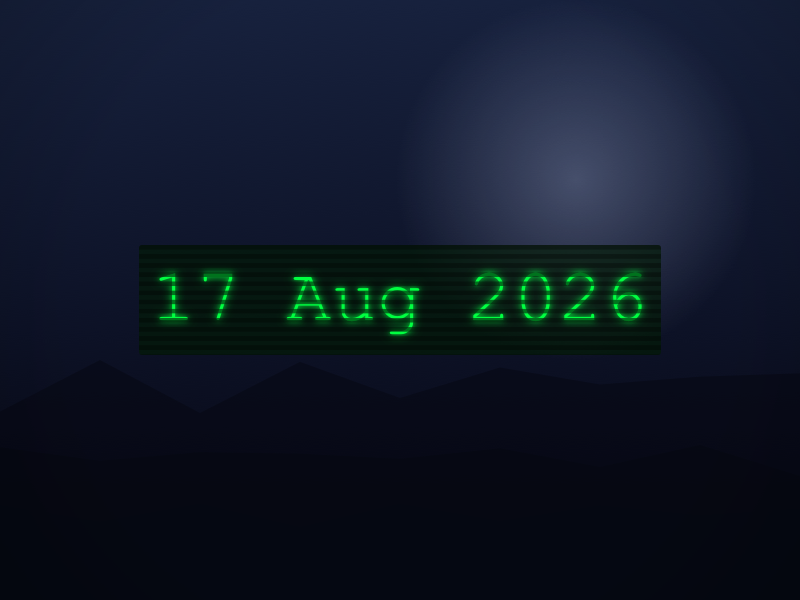
+ 12 more — Vaporwave, Midas, Chrome, Ocean, Sakura, Rose Gold & more, only in the app
Take a new shot with the camera, or select one or many photos from your library.
Choose a theme, position, and size — see the stamp update live before you commit.
Timestamp saves a new stamped copy straight to your camera roll. Originals stay exactly as they were.
Try Premium free for 3 days on the weekly plan, or save 85% with yearly.
$4.99/week
3-day free trial, then $4.99/week
$39.99/year
Just $3.33/month, billed annually
Prices shown in USD and may vary by region. Subscriptions auto-renew unless canceled at least 24 hours before the end of the current period; manage or cancel anytime in your Apple ID subscription settings.
No. Timestamp always saves a new, stamped copy to your photo library — your original photo is never modified or deleted.
Yes. Photos are stamped entirely on your device. An internet connection is only used for optional ads and subscription purchases.
No. Stamping happens locally on your iPhone or iPad — your photos never leave your device.
Yes, Timestamp has a dedicated iPad layout alongside full iPhone support.
10 stamped photos per session, with 10 more available after watching a short rewarded ad, plus 3 built-in themes — Minimal, Noir, and Cinematic.
Subscriptions are managed entirely through your Apple ID. Open Settings → [your name] → Subscriptions on your iPhone or iPad to cancel anytime.