
Add a timestamp
to your photo
A free online editor: drop a photo and its date goes on, read from the photo itself, in the styles of the Photo TimeStamp app. Nothing is uploaded.
Drop your photo on this one
JPEG, PNG or WebP, HEIC in Safari, or paste with ⌘V
- Stays on this computer
- Original photo info kept
- Full resolution, no watermark
How to add a timestamp to a photo
Even more on your iPhone
This editor is free and uses the same stamp as the Photo TimeStamp app. The app adds what a browser can't do: stamping as you shoot, place names and whole albums at once.
| Feature | Online editor | iPhone & iPad app |
|---|---|---|
| Date and time from the photo | Yes | Yes |
| Default, Minimal, Noir, Cinematic | Free | Free |
| 16 more styles | Try on your photo | Premium |
| GPS place name or coordinates | Try on your photo | Premium |
| Stamp as you shoot with the camera | No | Yes |
| A whole album at once | No | Yes |
 Place names from the photo’s GPS
 Proof photos for work
 19 styles, like Instant
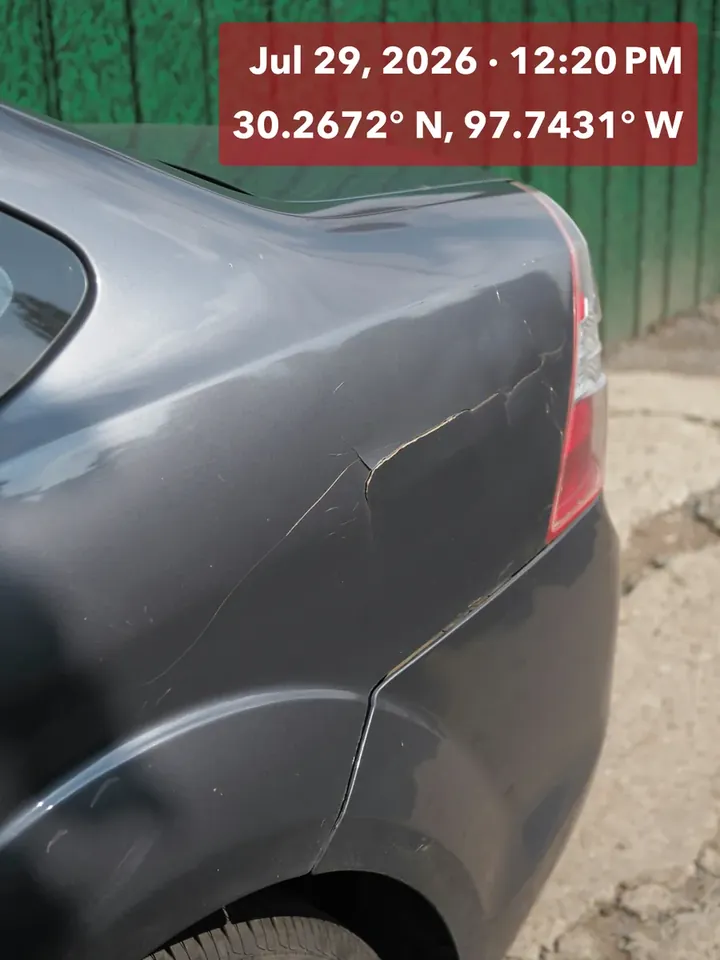 GPS coordinates
Questions
Something else? Write to support@elmadigital.net and you’ll hear back from the people who make the app.
Is the online timestamp editor free?
Yes. Saving with the Default, Minimal, Noir and Cinematic styles is free, with no watermark, no account and no limit. The other 16 styles and the location stamp can be tried on your photo here and saved with the Photo TimeStamp iPhone app.
Are my photos uploaded?
No. The editor runs in your browser. Your photo, its date and its location stay on your computer, and the stamped copy is made there too.
Which date goes on the photo?
The date and time the photo was taken, read from its EXIF information. If the photo has none, today's date is used and you can change it before saving.
Does the saved photo keep its original information?
Yes, for JPEG photos the new file keeps the original EXIF information, such as the date taken and the camera. You can remove the GPS location from the file before saving.
Can I timestamp many photos at once?
The online editor does one photo at a time. The Photo TimeStamp app for iPhone and iPad stamps a whole album in one go, each photo with its own date.
Does it work with HEIC photos from an iPhone?
Safari opens HEIC photos directly. In Chrome, Edge or Firefox, export the photo as JPEG first, or set your iPhone to share photos as JPEG.